
PowerShell Arrays
In this lecture, we are going to learn about PowerShell Arrays.
So, first, let's start with the definition.
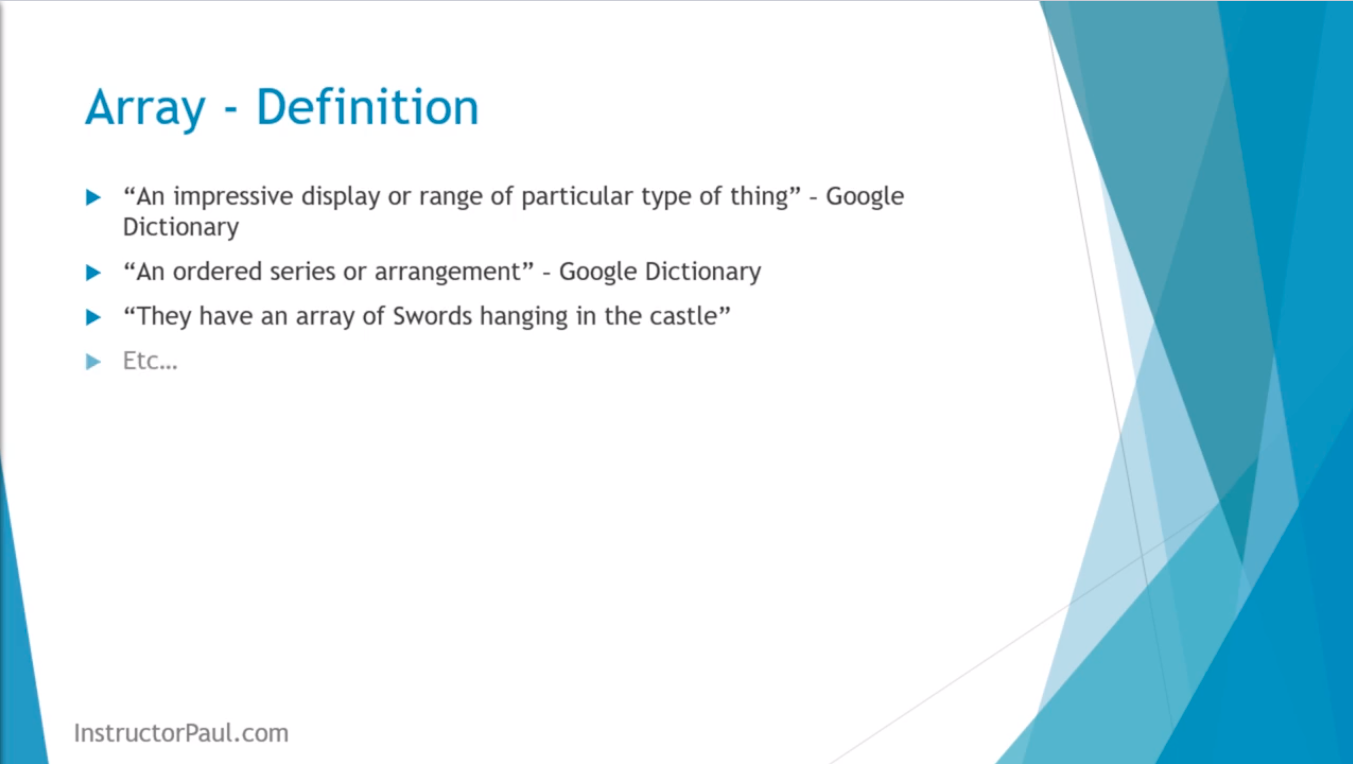
Now, if you go to Google and you just ask for the definition of Arrays it will say “An impressive display or range of a particular type of thing”, “An ordered series of arrangements”. Those are two definitions that you get if you go to Google.
Now, you can think of this example sentence: “They have an array of Swords hanging in the castle”. It kind of puts an image in your mind of a castle with five, six, seven different Swords hanging on a wall or whatever the case might be. Kind of gives you an idea.
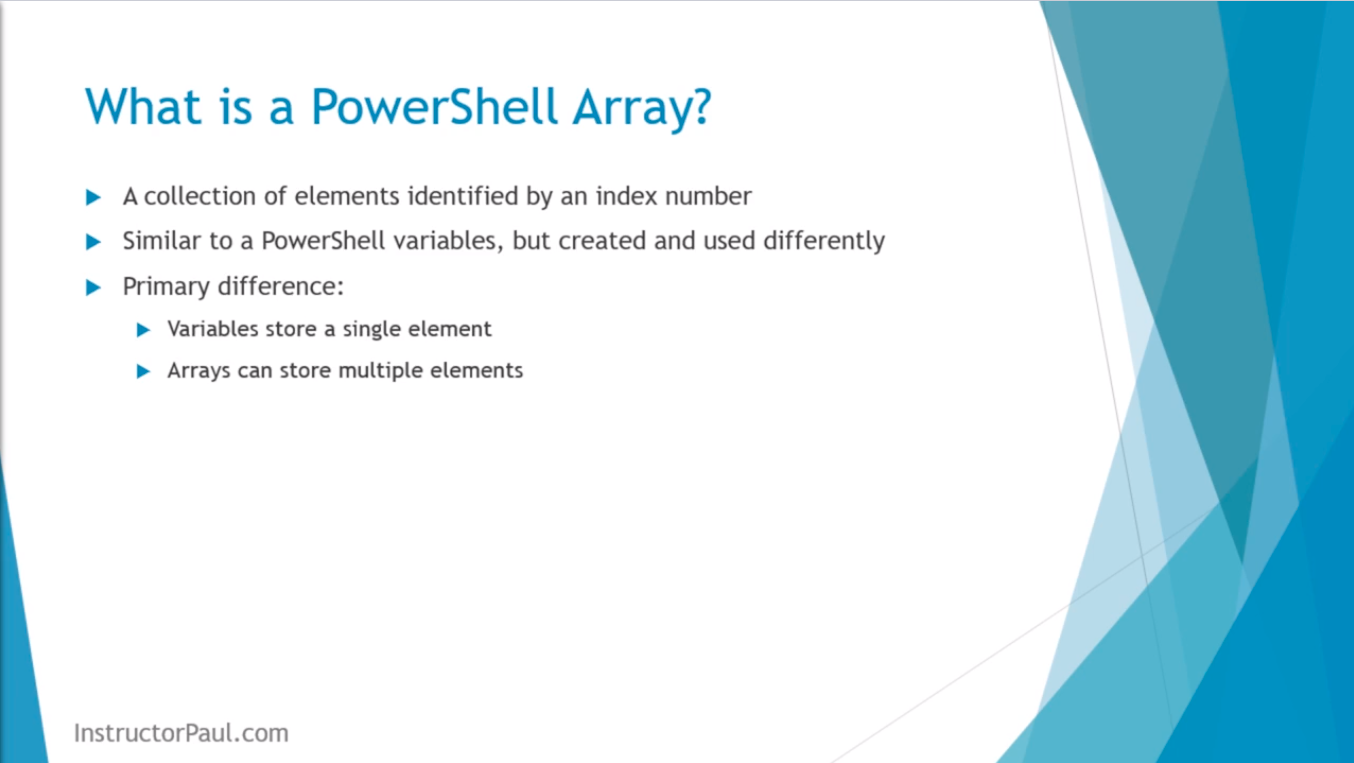
Now, in PowerShell, an Array is a collection of elements that are identified by a unique index number.
Arrays are similar to PowerShell variables, but they are created and used differently.
The primary differences are: A variable stores a single element, and an Array can store multiple elements.
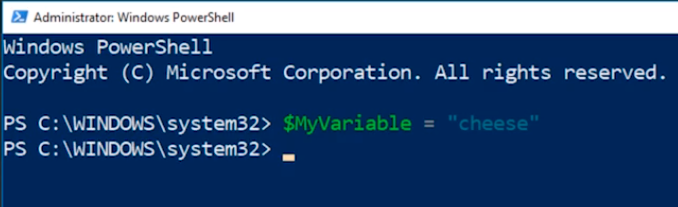
I am going to open PowerShell logged in and I have launched it as an Administrator. What we are going to do is look into the differences between creating or declaring a variable and declaring an array in PowerShell.
First, with the variable I can create $MyVariable = “cheese” and press Enter.
Now, we can echo the value of $MyVariable by typing it in and pressing Enter.

Echoing or declaring an array is not much different. What we are going to do is create an array by typing $MyArray = @(“Cheese”) and press…
No comments yet. Add the first comment to start the discussion.