
Installing the Active Directory Domain Services Role
In this lecture, we are going to build a Windows Domain, and a Windows Forest by installing the Active Directory Domain Services role on our IPDC01 server.
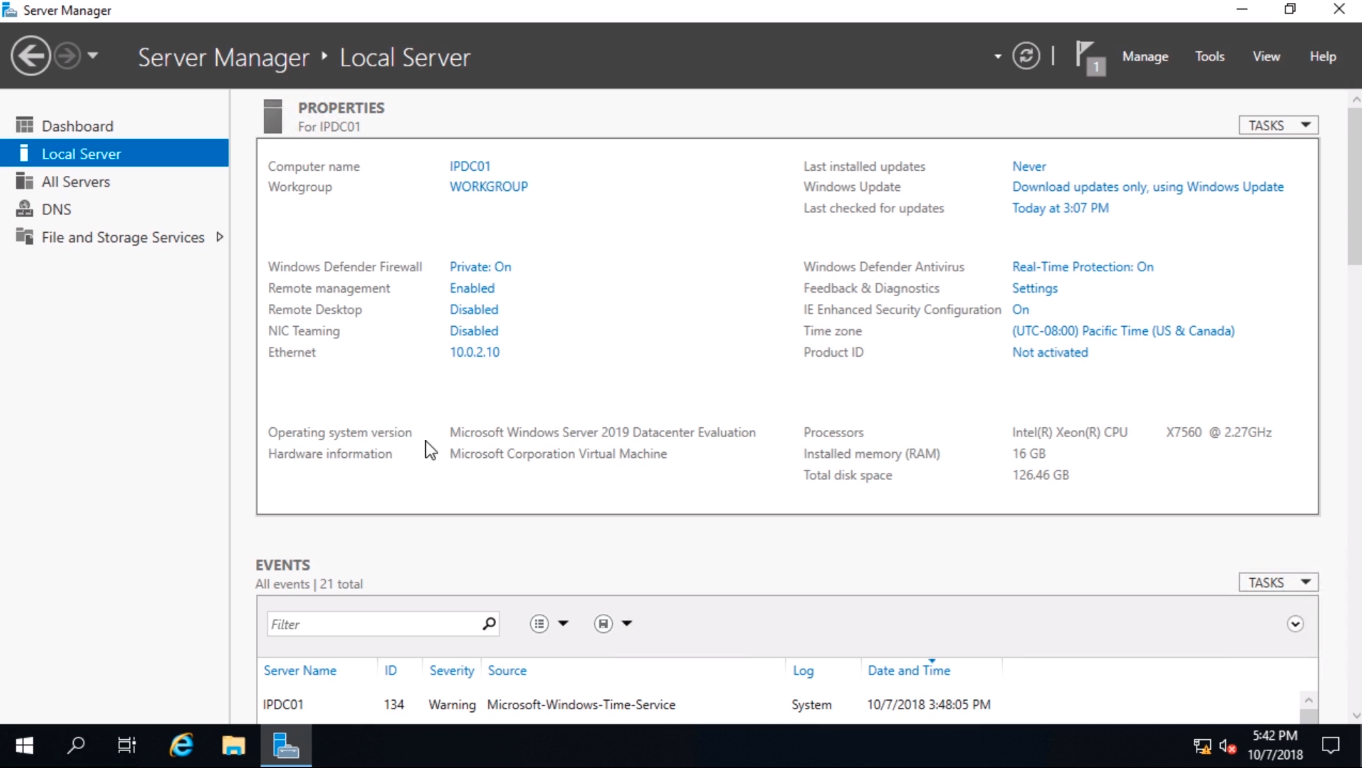
From Server Manager from the top right hand of the screen, select Manage and select Add Roles and Features.
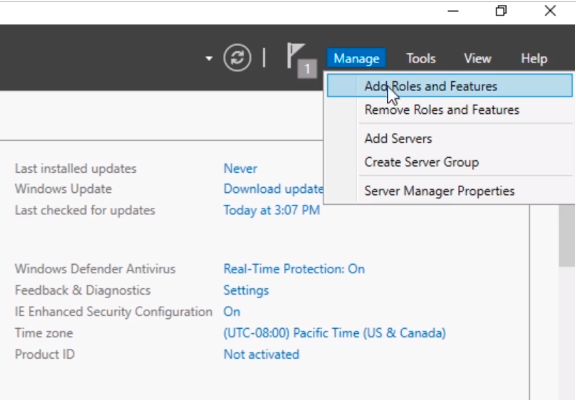
From the Before you begin page click Next.
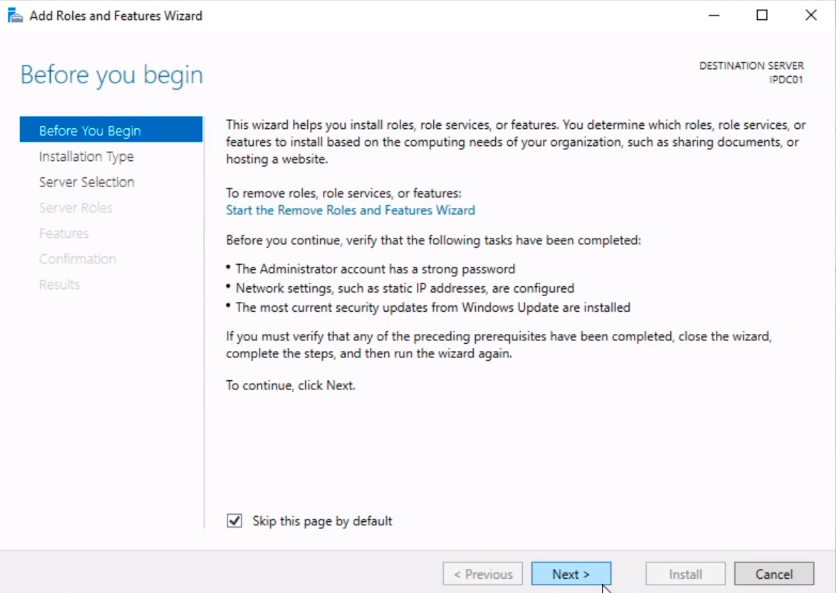
Choose a Role-based or feature-based installation, and click Next.
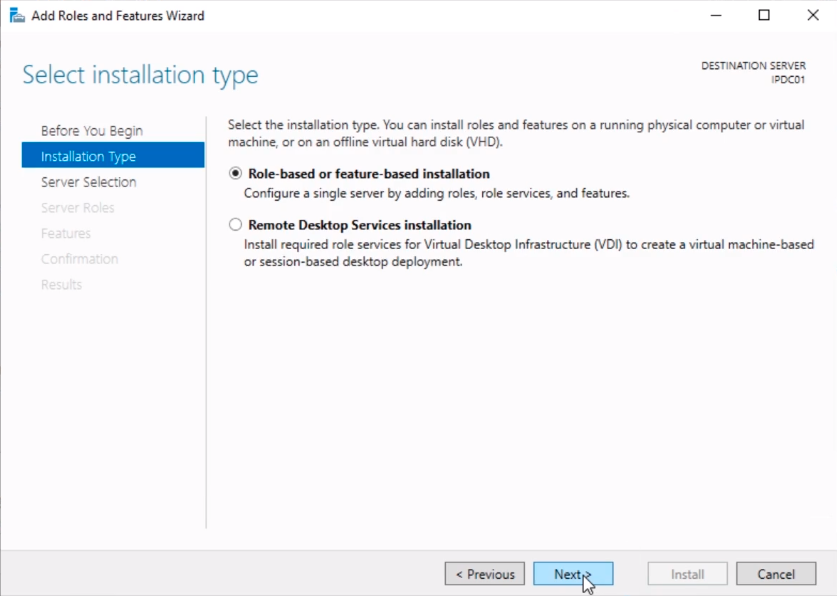
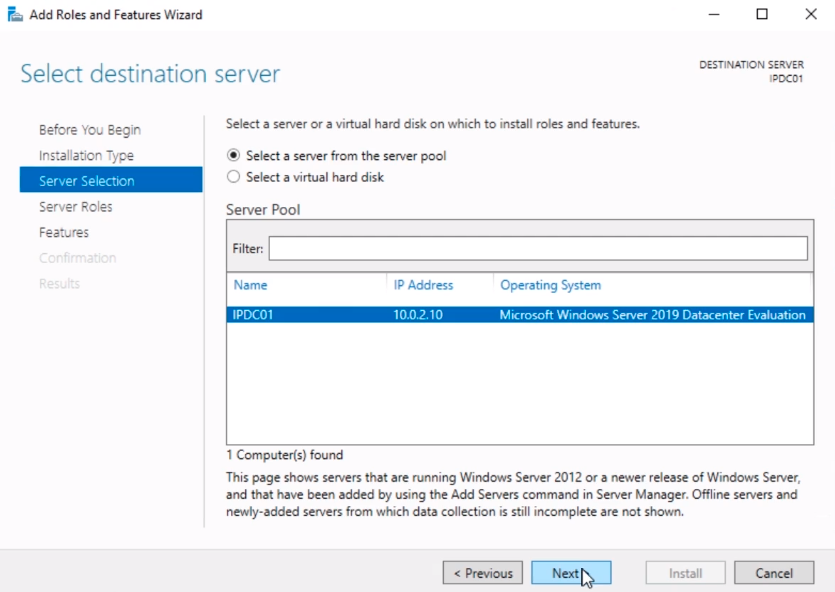
Now, I only have one server in the pool so I am going to click on Next.
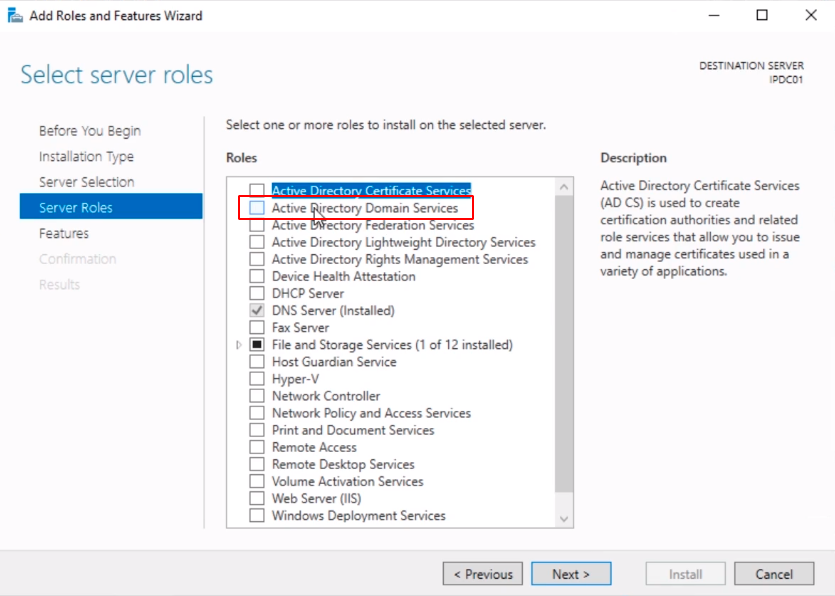
And, under the Server Roles, I am going to select the checkbox next to Active Directory Domain Services.
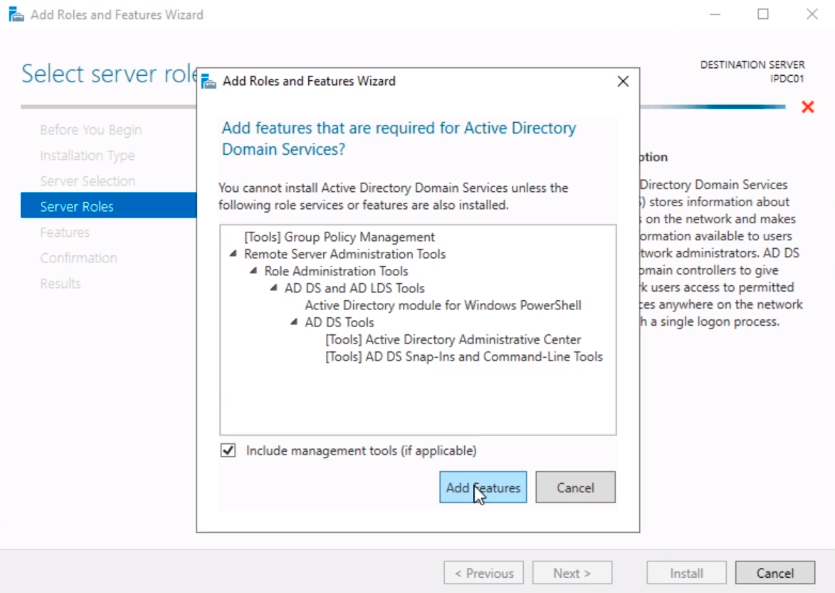
Now, we want to include the Management tools and I am going to click on the Add Features button.
Now, I am going to click on Next.
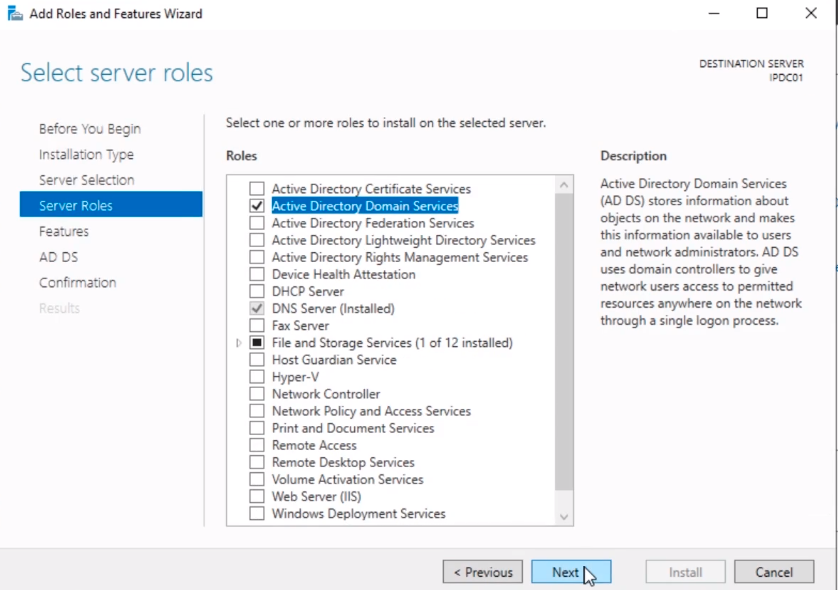
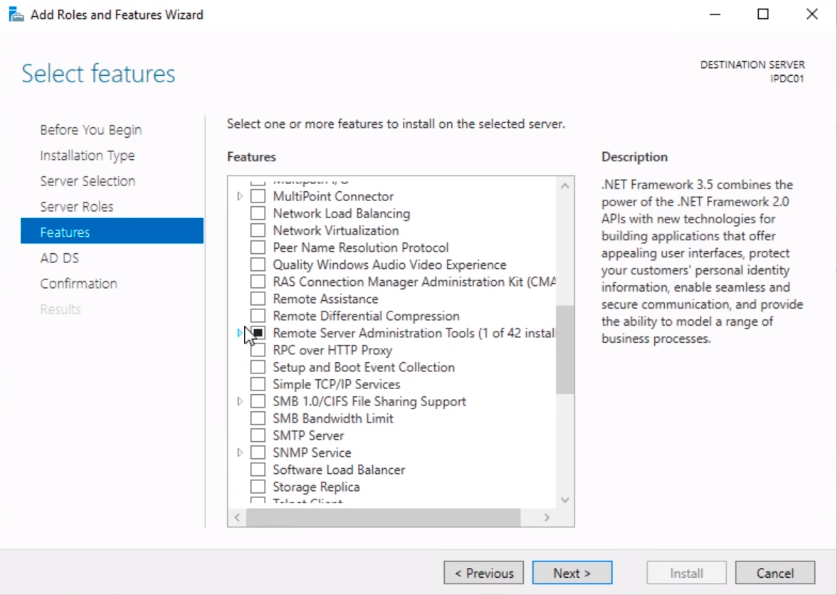
And, there will be some features that might be already selected so we are just going to click on Next.
And, here is some information about ADDS and general information about that. What I am going to do is just click Next.
![](https://zrftqtvkikjkbtkfalgp.supabase.co/storage/v1/object/public/lesson-images/2…
No comments yet. Add the first comment to start the discussion.