
Move All Disable Users to Disabled Users OU with PowerShell
In this lecture, we are going to be learning how we can automatically move disabled users to our Disabled Users OU. This is kind of a little cleanup script that we are going to create and run. It can come in handy when you have several disabled users.
We open Active Directory Users and Computers and we see we have three disabled users.

If you have hundreds of disabled users in your Active Directory Domain, and they are not in the Disabled Users OU, we can write a script that will automatically move them there.
To create the script open Windows PowerShell ISE by clicking on the bottom left on the Windows icon and type powershell. Click on Windows PowerShell ISE.
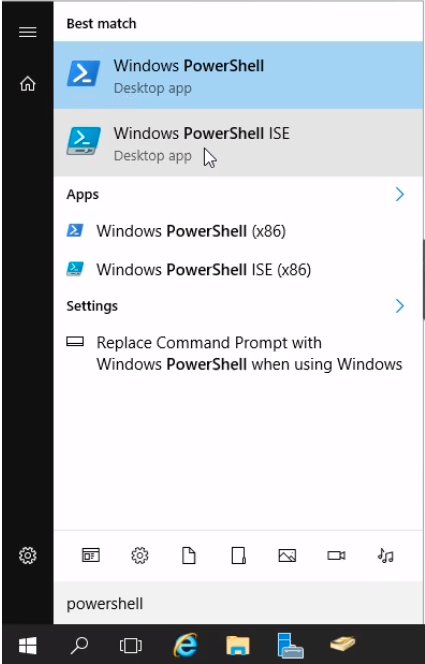
The Windows PowerShell ISE opens up and looks like the following:
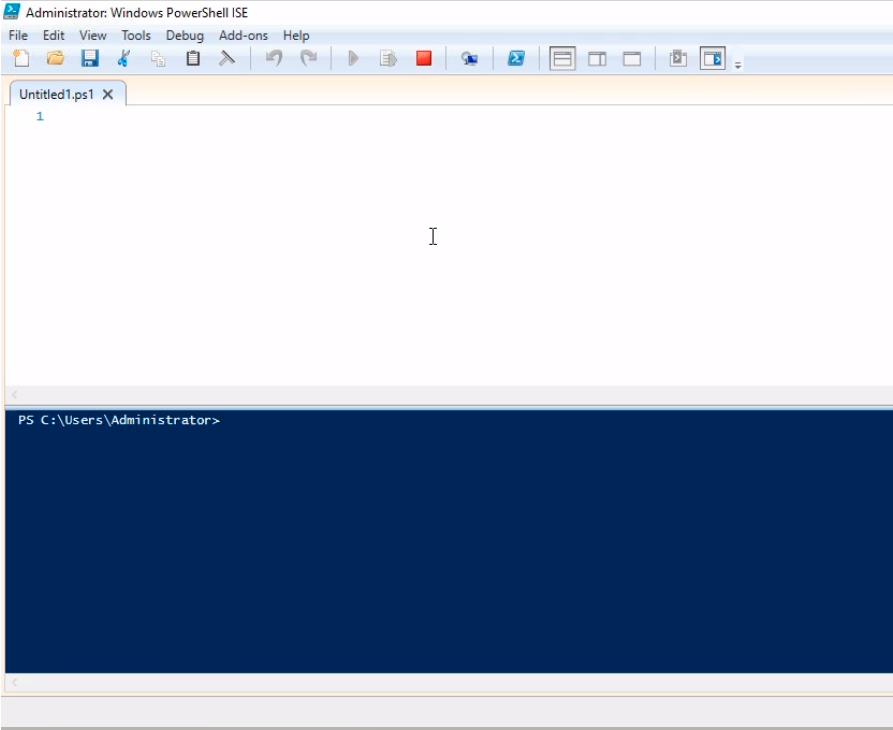
Let’s type the following code to list all disabled users:
Import the AD Module
Import-Module ActiveDirectory
List all disabled AD users
Search-ADAccount -AccountDisabled | Select-Object Name, DistinguishedName
Click the green Play icon and we should see the output at the bottom pane.

From the output, we can see we have disabled users in different Containers and OUs.
First, make sure Advanced Features is enabled in Active Directory Users and Computers.
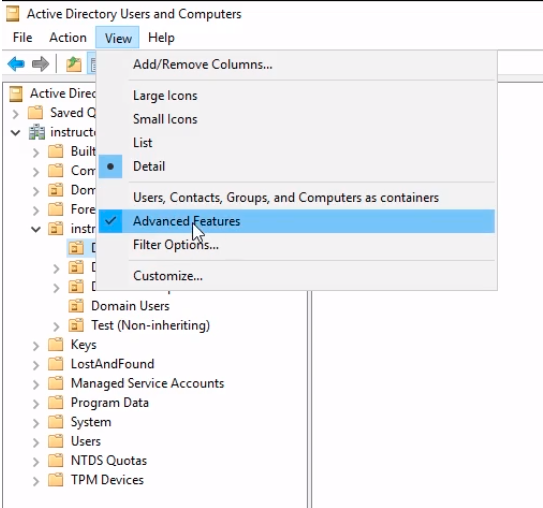
Then, we select the Disabled OU and right-click and select Properties.

Now from the Properties window cli…
No comments yet. Add the first comment to start the discussion.