
Enabling Script Execution for PowerShell
In this lecture, I am going to be talking to you about Windows PowerShell Script Execution.
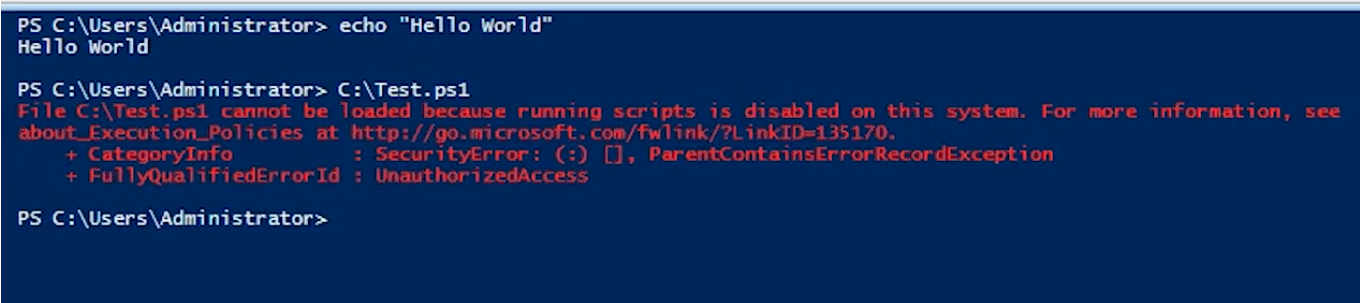
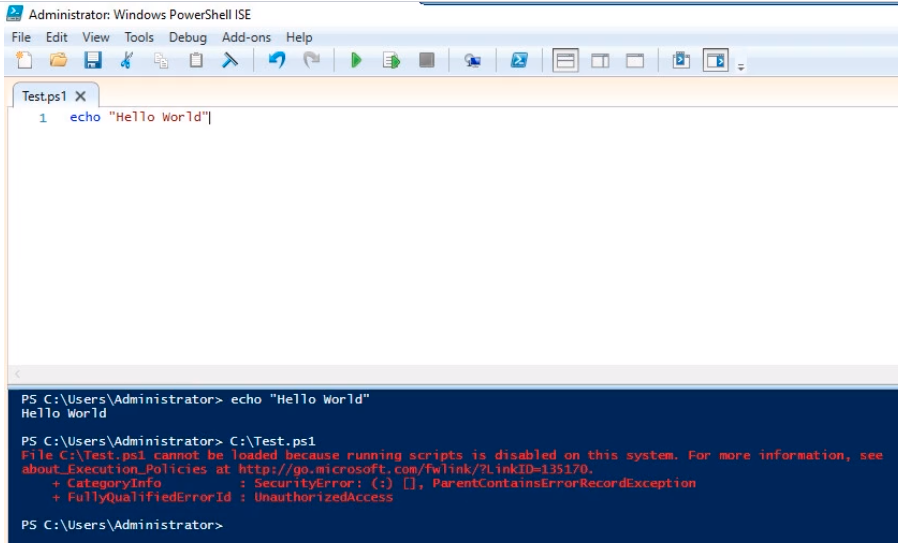
When you create a script in PowerShell and you save it, and then you attempt to run it some of you will run into an error like the one below.
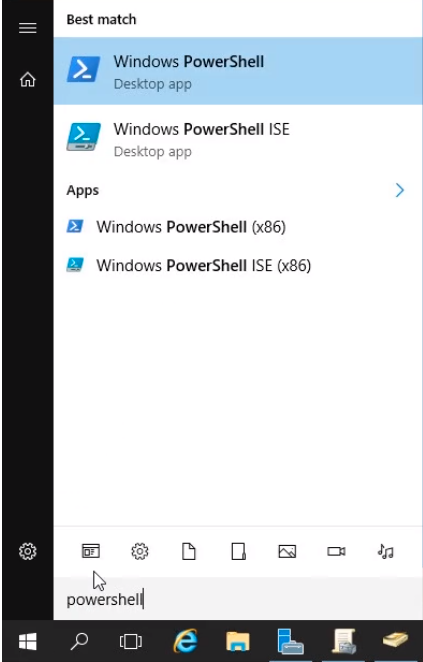
Let’s log into IPDC01 and click on the Windows icon at the bottom left and type PowerShell.
We can open either Windows PowerShell or Windows PowerShell ISE.
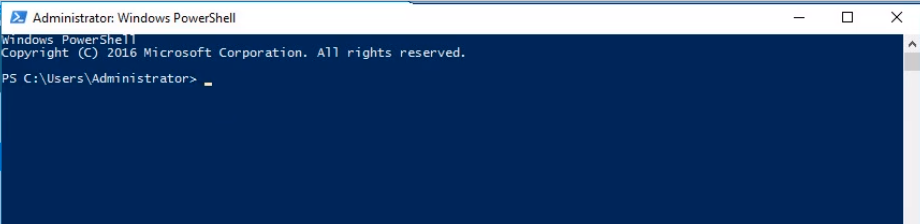
The first option Windows PowerShell opens a prompt similar to CMD.
If we choose the Windows PowerShell ISE it's more like a code editor.
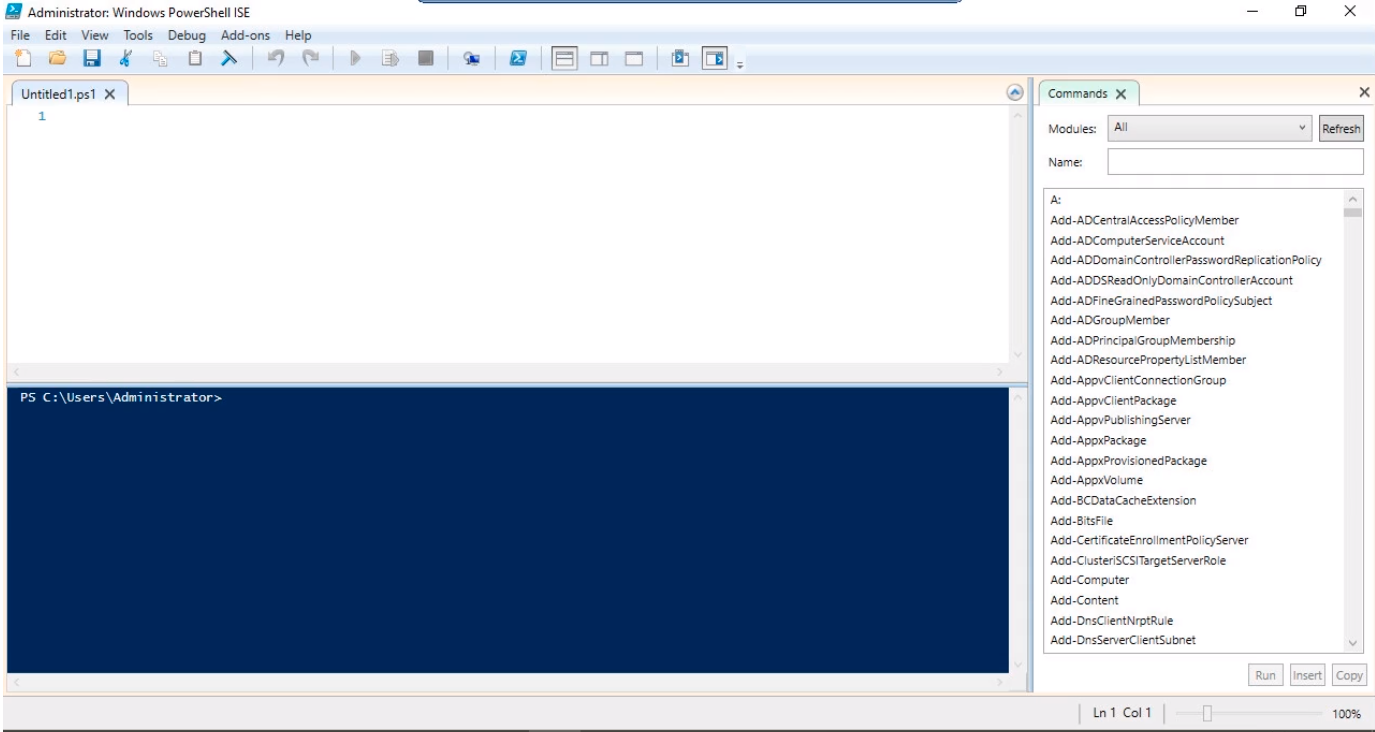
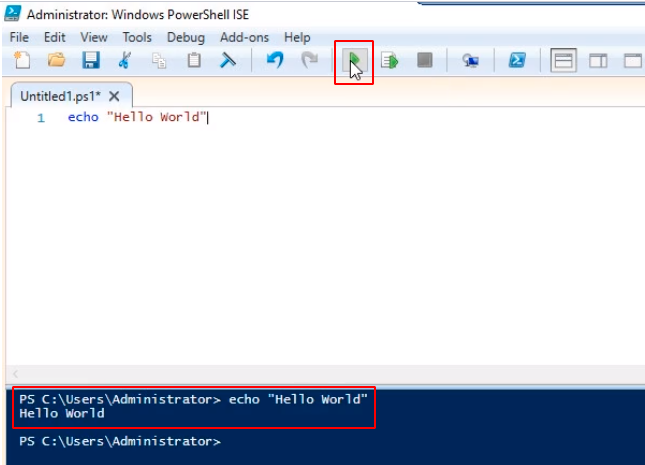
Let’s type in a command like echo “Hello World” and press the Green Play Button at the toolbar to execute the script. We will get the output in the bottom part.
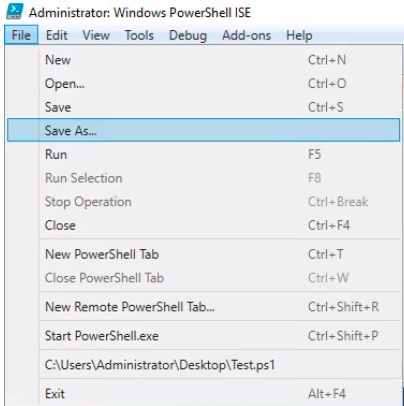
Now, if we save the script by clicking on File in the menu and selecting Save As…
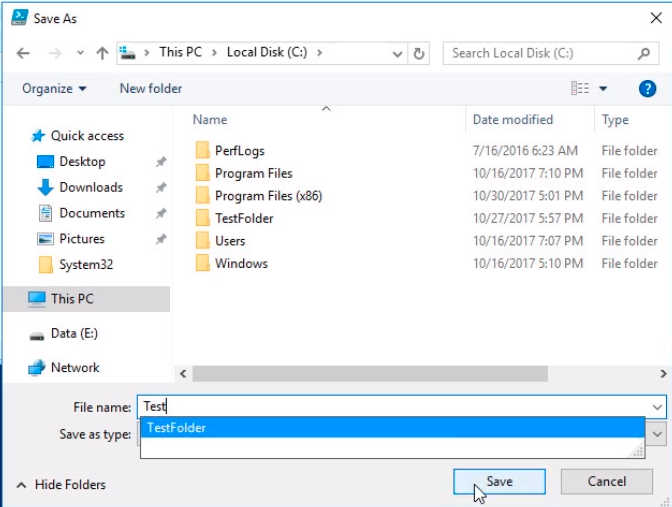
We name the script Test and save it to the C:\ drive by clicking on the Save button.
Now, if we attempt to run the script by clicking on the Green Play button we are going to get the following error saying: File C:\Test.ps1 cannot be loaded because running scripts is disabled on this system.
You can try and run a command…
No comments yet. Add the first comment to start the discussion.