
Setting up an AWS account
In this lesson, we will be walking you through the process of creating an account on the AWS platform, so you can start using AWS services to build and run your own applications. We will guide you step by step through the account creation process and provide you with the information you need to get started. By the end of this lesson, you will have a fully functional AWS account and be ready to start using the AWS platform. Let's get started!
First, start by going to aws.amazon.com, then click the Create an AWS Account button:
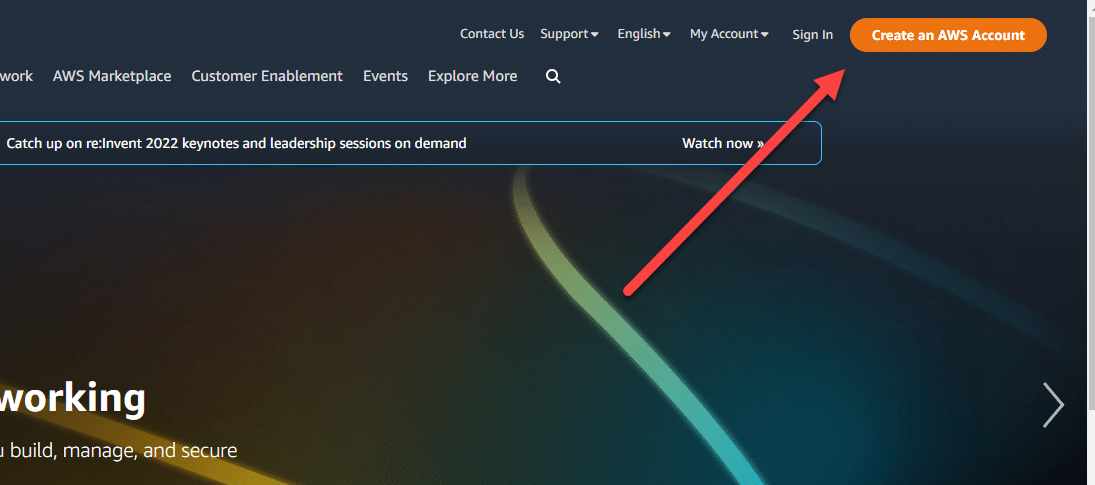 Create an AWS Account
Fill out the information with your email and create an account name, then click Verify email address.
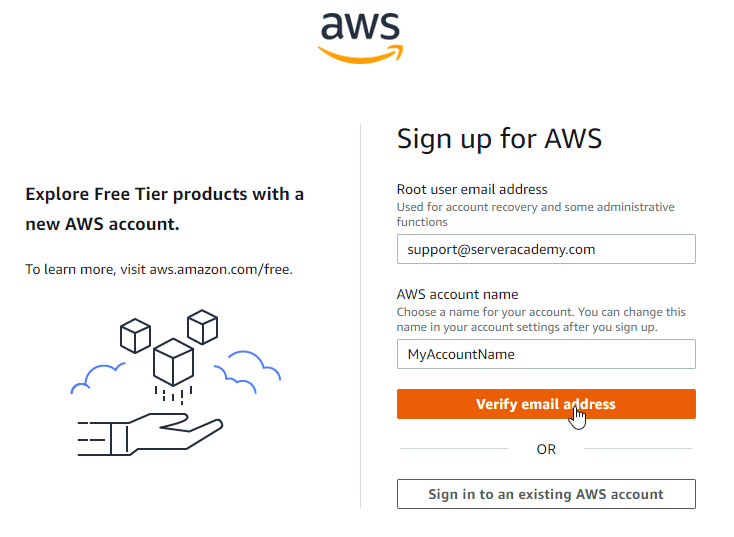 Sign up for AWS
Check your email and enter the verification code then create a secure password on the next page.
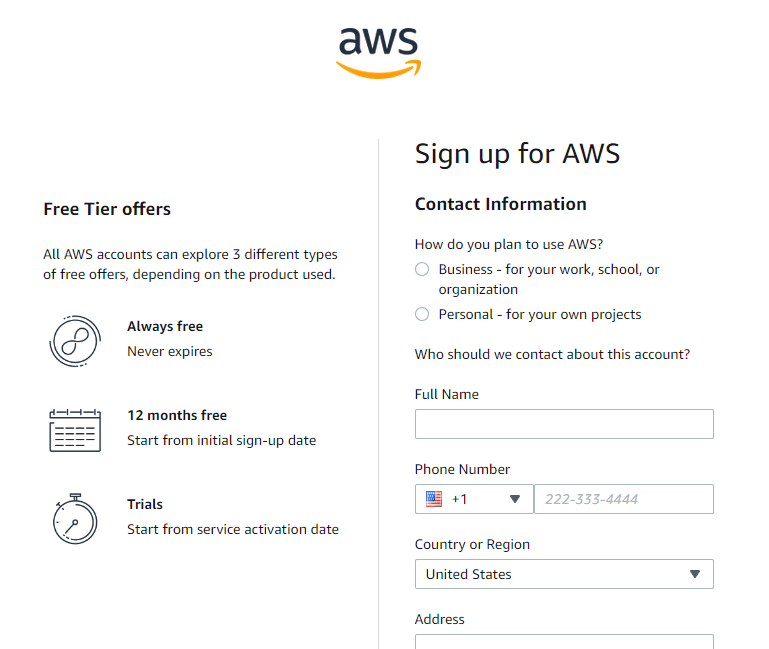 Enter personal information
You will be required to enter your billing information during the registration process. Remember that AWS only charges you for what you use, so you won't be billed for something that you do not use. Enter your billing info to continue:
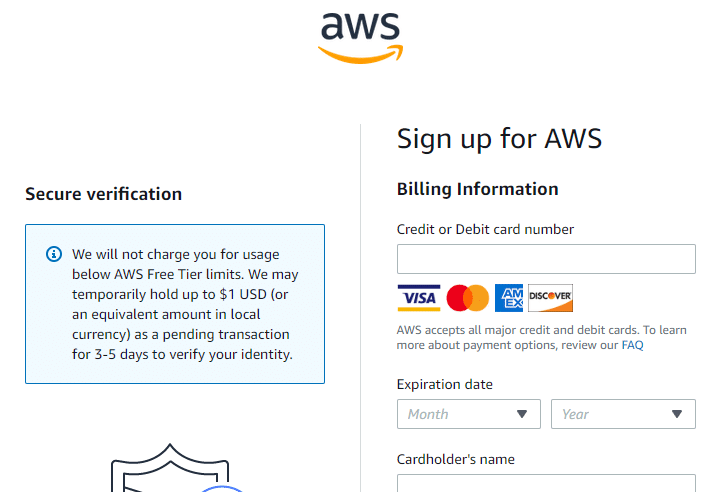 Billing Information
The next page will ask you to enter your phone number, then verify it on the next page. On the final page, you will be asked to select a support plan. For your own personal projects you will be fine by selecting Basic Support , then click Complete sign up :
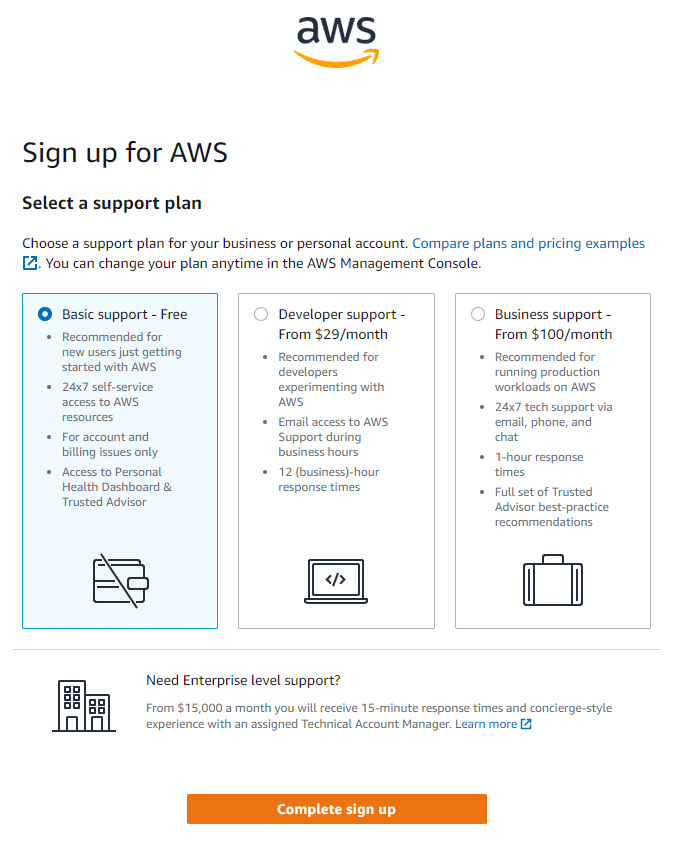 Complete AWS Sign Up
Next, you will be presented with a…
No comments yet. Add the first comment to start the discussion.