
Create a Free Azure Account
In this lesson, you will learn how to create a free Azure account, which is the first step towards exploring and using Azure's cloud services. A free Azure account provides access to a variety of services and resources without incurring initial costs.
Why Create a Free Azure Account?
A free Azure account allows you to explore and test Azure services with no upfront commitment. It includes:
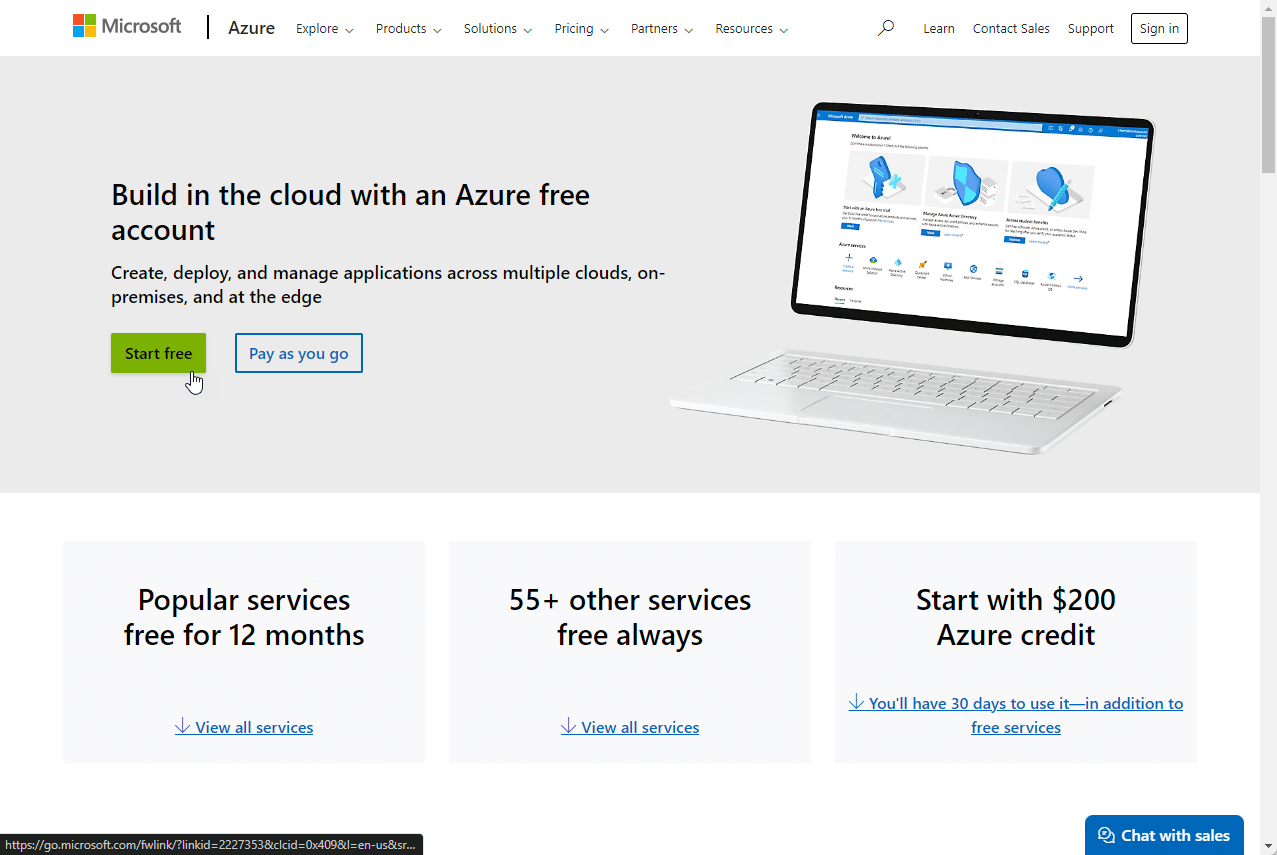
- Access to Popular Azure Products : Free for 12 months.
- $200 Credit : Available to use within the first 30 days.
- Always Free Products : More than 25 products that are always free.
Steps to Create a Free Azure Account
Follow these steps to create your free Azure account:
-
Visit the Azure Website
Go to the Azure free account page. -
Click on "Start Free"
Click the "Start Free" button to begin the sign-up process.
-
Sign In or Create a Microsoft Account
If you already have a Microsoft account or a GitHub account, sign in. If not, create a new Microsoft account. -
Verify Your Identity
\- Provide your phone number for verification. You will receive a code via SMS to enter on the website.
\- Enter your credit card details for identity verification. Note that your card will not be charged unless you upgrade to a paid subscription. -
Complete the Profile Information
Fill in your personal information, including name, email, and country. -
Agree to the Terms
Read and accept the terms and conditions. -
Get Started with Azure
Once your account is set up, you can start using Azure. You will have access to the Azure portal, where you can create and manage resources.
__
Just because you created a free account does not mean everything you do in Azure will not incur cha…
No comments yet. Add the first comment to start the discussion.