
Installing Ubuntu Server LTS
In this lecture, we're going to be installing our Ubuntu Server operating system. So this is just to give you a brief introduction to how to install a Linux-based operating system. The process is going to be different from operating system or distribution to distribution, but this should give you a basic idea so that you've at least installed a Linux operating system on a VM that you've created.
I do recommend, if you're curious, or have a specific version you want to work with, go ahead and install that operating system, that's perfectly fine. Like we talked about before, we're going to be focusing on Ubuntu in this course, but the fundamental skills that you will learn in this course will transfer to other operating systems and things like that.
So what I'm going to do is right-click on this VM and I'm going to go ahead and Start and say Normal Start and then I'll minimize this and the VM is going to go ahead and begin launching and it's going to open the console in the background.
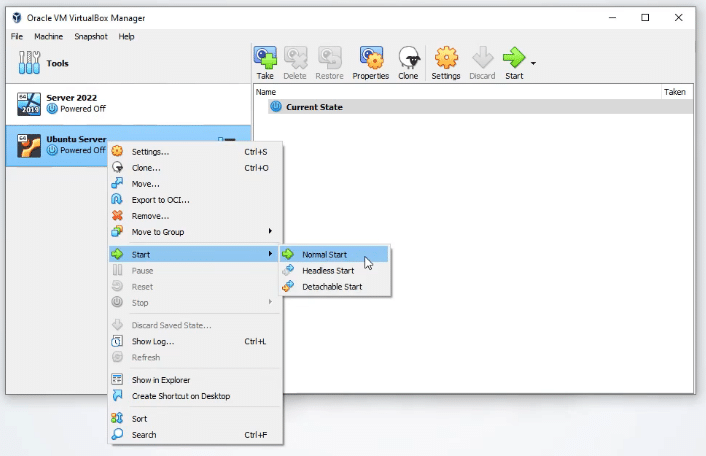 VirtualBox Ubuntu Server VM
So here we go. I'm going to go ahead and maximize this view.
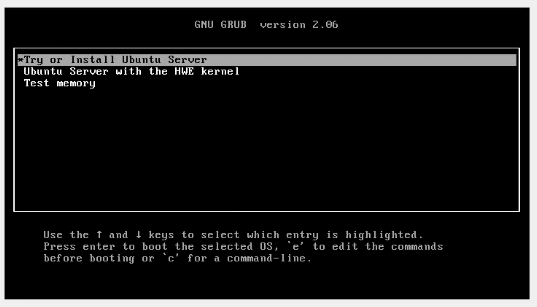 Ubuntu Server VM Grub menu
And, here we have the option to Try or Install Ubuntu Server , or we can do a boot to Ubuntu Server with the HW kernel or Test memory. We want to do Try or Install Ubuntu Server because we are going to install it on this VM. What I'm going to do now is just go ahead and hide this little screen over here on the right hand side. And, we're just going to wait for this to go ahead and finish booting.
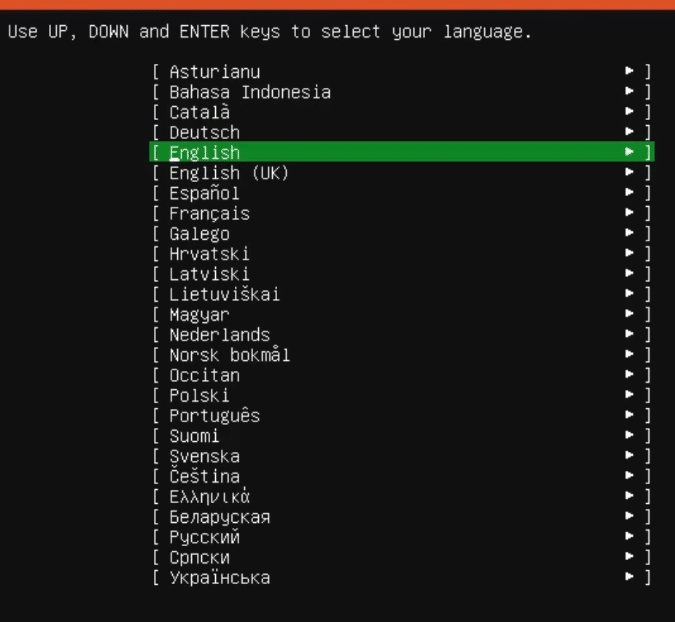 Ubuntu Server - Select your…
No comments yet. Add the first comment to start the discussion.