
Installing Roles from Ansible Galaxy
In this lesson, you will learn about Ansible Galaxy, a hub for finding and sharing Ansible content. By the end of this lesson, you will know how to navigate the Ansible Galaxy website to find collections and roles, use the ansible-galaxy search command to find roles for installation, and how to install a role using the ansible-galaxy install command. We'll also integrate the Docker role by Geerlingguy into your playbook.
What is Ansible Galaxy?
Ansible Galaxy is essentially a large public repository for Ansible roles and collections. These roles and collections are pre-written codes by the community that can be used to automate a wide range of tasks. By using roles from Ansible Galaxy, you can leverage the expertise of others to streamline your automation tasks.
Using the Ansible Galaxy Website
The Ansible Galaxy website (https://galaxy.ansible.com/) is a user-friendly interface where you can search and explore thousands of roles and collections.
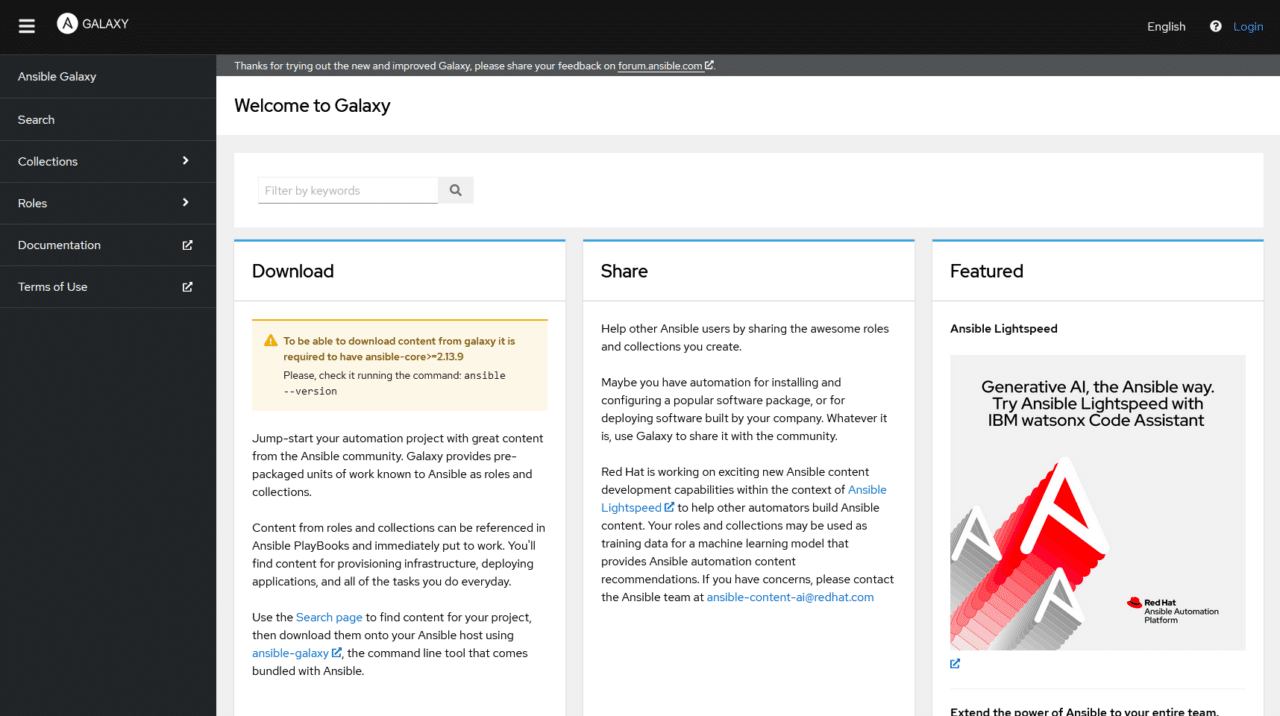 Ansible Galaxy Official Website
On this website, you can filter your search by categories, such as cloud, system, monitoring, and so on. Each role and collection comes with documentation, including how to install and use it, making your job much easier.
Try searching for the role docker , then sort by Download count :
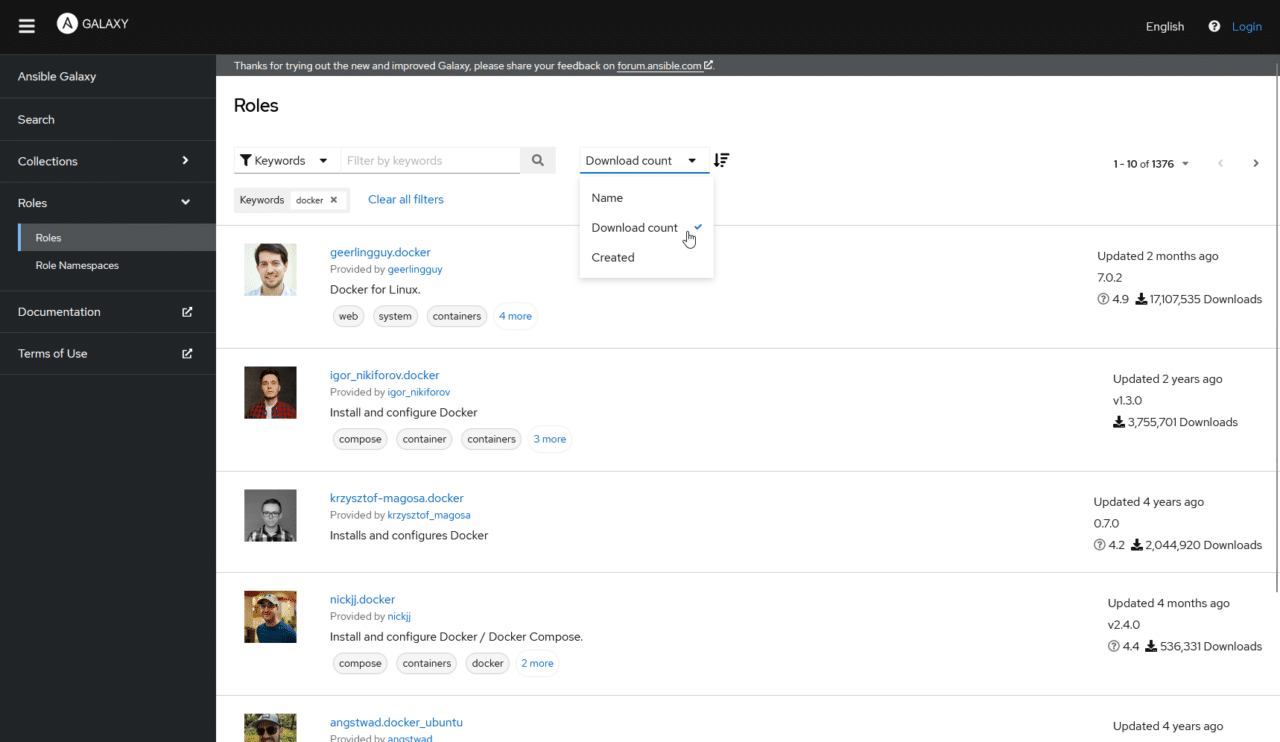 Searching Ansible Galaxy Roles for Docker
I like to search by download count to get the most popular items listed first. If we click on the first result, we can see the command we would use to install this role:
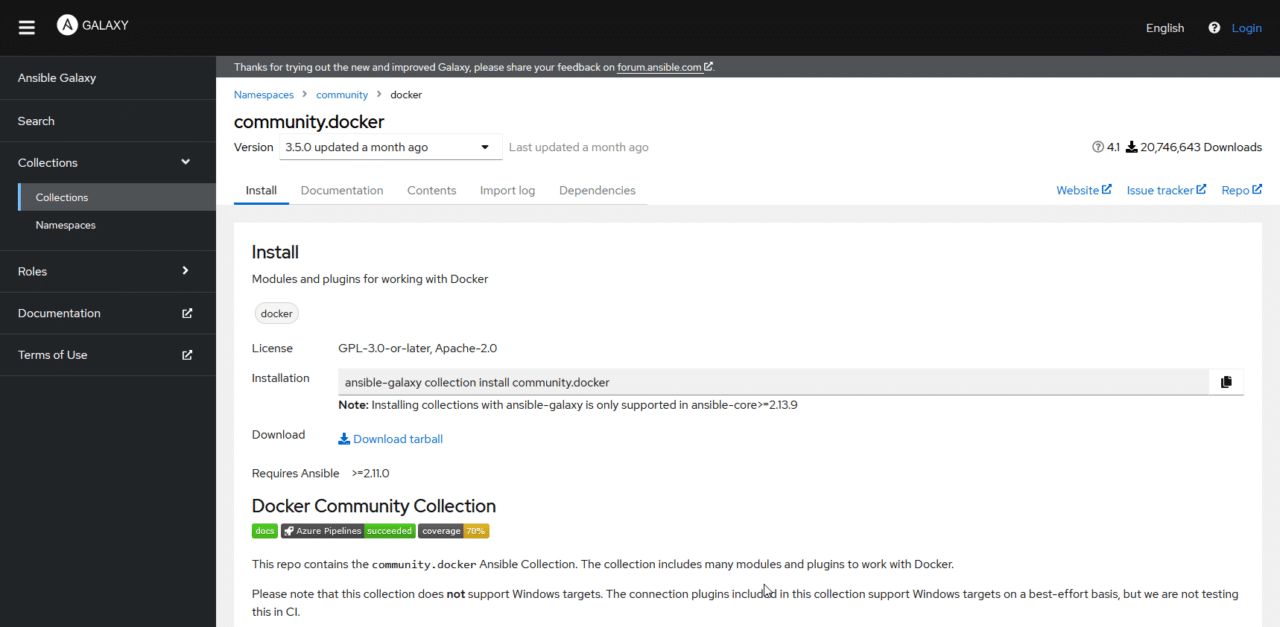 Installing Roles from An…
No comments yet. Add the first comment to start the discussion.