
Creating Active Directory Users
In this lesson, I'll be showing you how you can create Active Directory user accounts.
Now, I am picking it up right where I left off in the last lesson and I have the Active Directory console open. If you know how that opens, you are following along in the IT lab, go ahead and open it now.
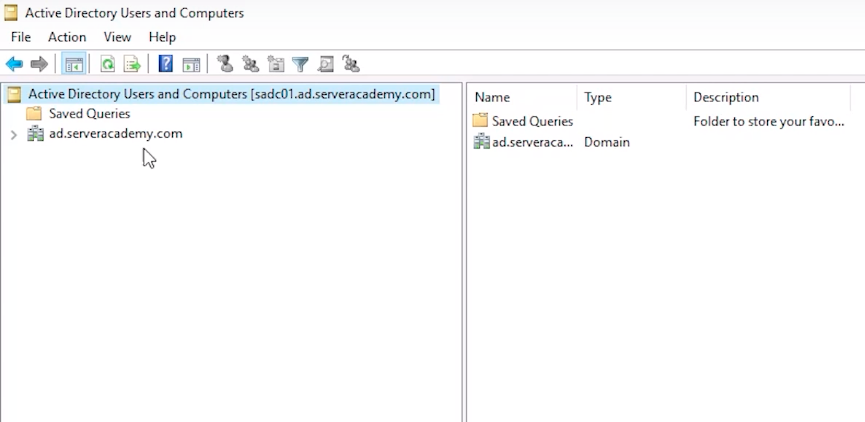 ADUC Console
What I am going to do is expand my domain ad.serveracademy.com and I want to mention right away that it's extremely important that you create the Active Directory user account in the right location. If you created the AD user in the wrong spot that means they could get the wrong set of Group Policy security settings. So, just to explain this a little bit more, we have a full course at ServerAcademy.com for Group Policy. We are not going to get deep into it in this course, but, if I have an Organizational Unit, Server Academy, which you'll notice almost every organization has this, they'll have a Domain and then they'll have an OU that kind of mimics the same name, so I have ad.serveracademy.com. Up here is my domain and I have an OU for that where I am going to put ALL of my domain infrastructure.
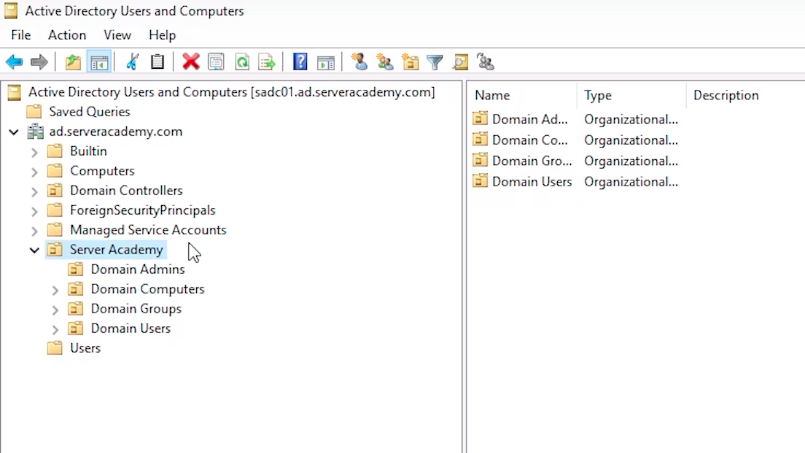 ADUC Server Academy OU Structure
So, I have Domain Admins and Domain Users. Now, it's possible that they'll be different Group Policy objects applied to this OU versus this OU. So, Domain Users and Domain Admins will get different security settings than Users in Domain Users.
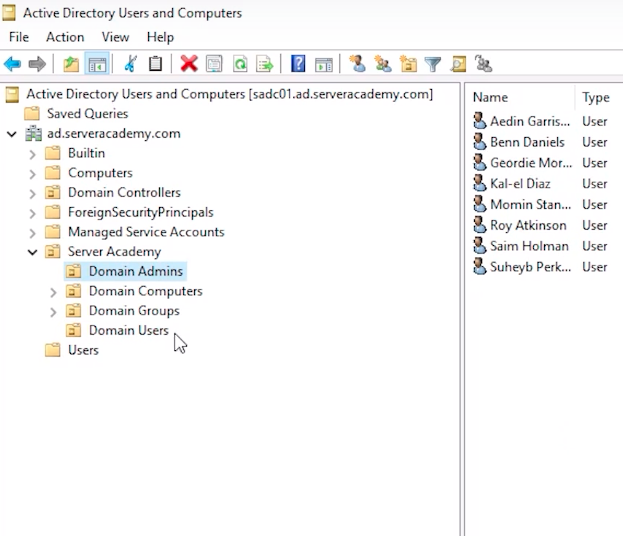 ADUC Domain Admins
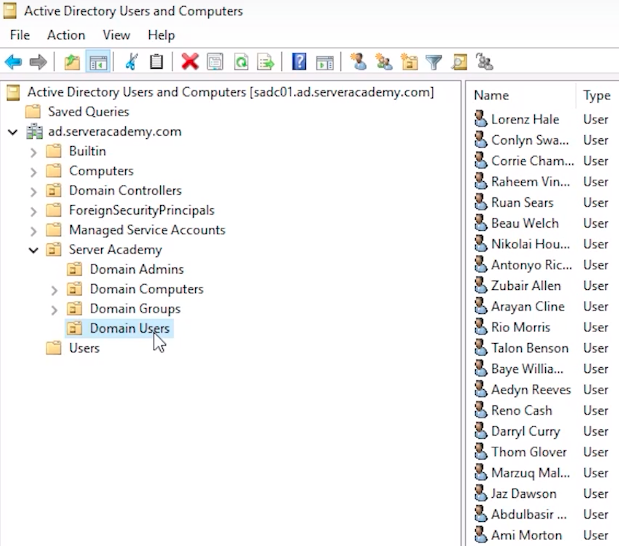 ADUC Domain Users
That's import…
No comments yet. Add the first comment to start the discussion.